
We’re a team of passionate people dedicated to the future of ticketing
Why Choose Us?
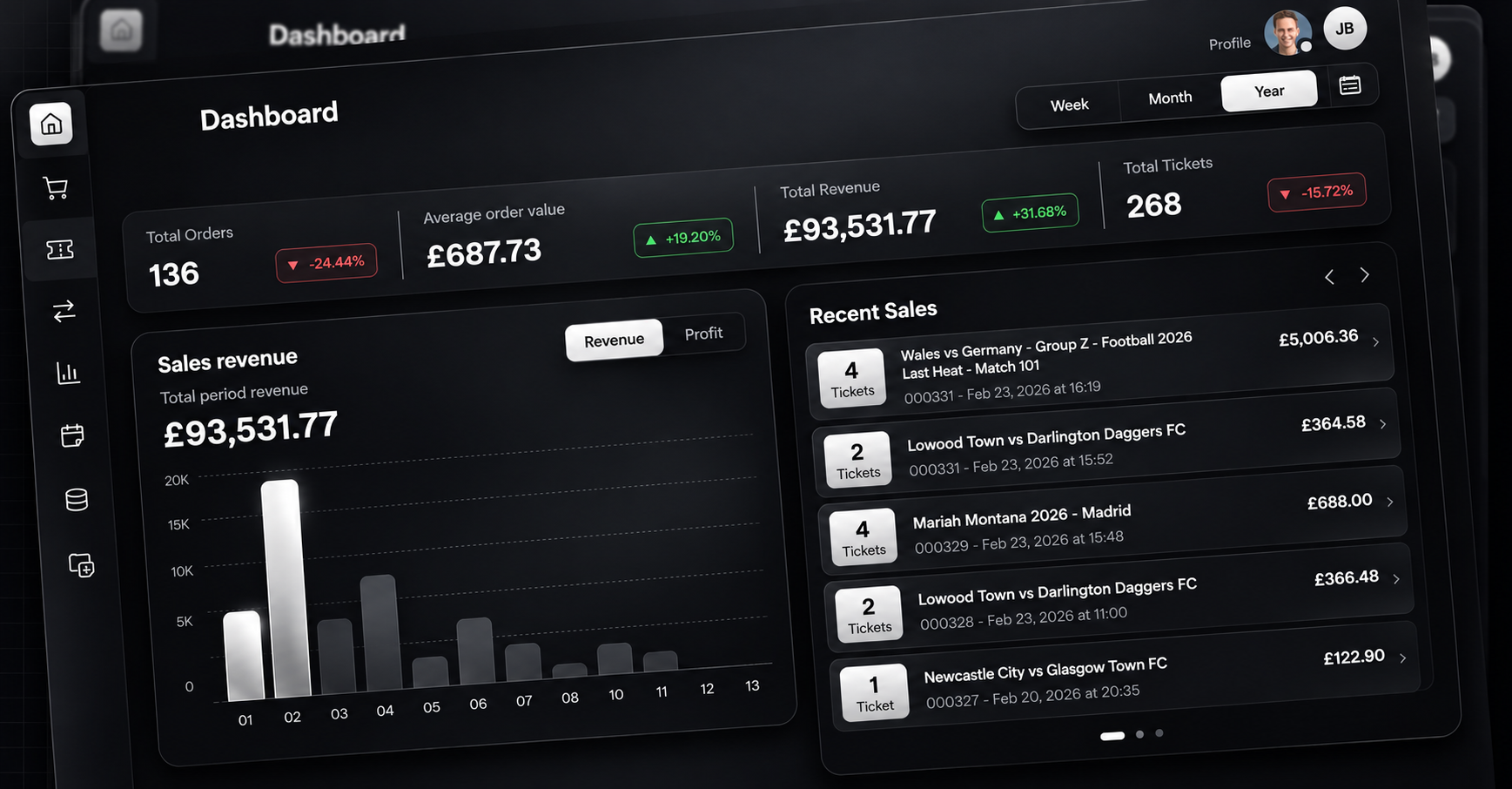
We believe the best technology removes friction. Connect works quietly in the background, bringing inventory, pricing, data, and finance together so sellers can focus on delivering exceptional live experiences.
Why Choose Us
We believe the best technology removes friction. Connect works quietly in the background, bringing inventory, pricing, data, and finance together so sellers can focus on delivering exceptional live experiences.

Sellers shouldn’t have to choose between reach and control

Data should be clear, actionable, and trustworthy

Selling across multiple channels should feel seamless, not fragmented

Long-term success is built on strong seller, partner, and customer relationships
Available Opportunities


Affiliate & Partnerships Manager – Concerts, Football & Live Events
We're hiring an Affiliate & Partnerships Manager to build and run the channels that sell our concert, football and live-event tickets through other people: influencers, TikTok and Instagram creators, affiliates, and B2B partners.
Questions?
Connect FAQs
What if an event is cancelled?

If an event is cancelled in the same month as the sale, it will be automatically removed from the invoice. If it's cancelled after the invoice has been issued, please contact your account manager so we can manually credit it back.
How will my seller accounts be supported with Connect?
To list on a sales channel, we will use your unique API key on each sales channel to push your inventory via API. If you do not have an account with the sales channel your account representative will support the set up of an account.
Can I cancel anytime?
Yes, our platform is a service that you are in control of, just speak to your account representative to discuss de-activation.
How do I become a third party marketplace that Connect can share inventory to?
Please contact our sales team using the 'connect us’ button and someone will be in touch.
What is the cost of using Connect?
We charge a % per revenue generated through connect, this is payable on a monthly invoice based on the revenue from sales in the month. This % is never taken from your sales channel payments, as your payments remain managed directly between you and the sales channel.
How do I deliver tickets or upload proof of delivery?
ickets can be delivered through the Connect dashboard:
- Go to Orders.
- Locate the relevant sale.Select Ticket Fulfilment.
- Follow the instructions to deliver the tickets.
If the tickets were delivered outside Connect, you can upload proof of delivery here instead. You can also change the delivery method if required.
- Go to Orders.
- Locate the relevant sale.Select Ticket Fulfilment.
- Follow the instructions to deliver the tickets.
If the tickets were delivered outside Connect, you can upload proof of delivery here instead. You can also change the delivery method if required.
What is MFA, and how do I reset it?
Multi-factor authentication (MFA) is an additional layer of security that helps protect your Connect account. As well as entering your password, you will be asked for a unique verification code generated by an authenticator app.
If you need to reset your MFA, please contact the Connect team for assistance.
If you need to reset your MFA, please contact the Connect team for assistance.
How do I set up an authenticator app?
We recommend using the Google Authenticator app. You can download it from the Apple App Store here. Once downloaded:
- Sign in to Connect on your computer.
- Open Google Authenticator on your phone.
- Select Add a code.
- Select Scan a QR code.Scan the QR code displayed on your computer.
- Enter the verification code generated by the app into Connect to complete your login.
Whenever Connect asks for a verification code in the future, open Google Authenticator and enter the current code shown for your account.
- Sign in to Connect on your computer.
- Open Google Authenticator on your phone.
- Select Add a code.
- Select Scan a QR code.Scan the QR code displayed on your computer.
- Enter the verification code generated by the app into Connect to complete your login.
Whenever Connect asks for a verification code in the future, open Google Authenticator and enter the current code shown for your account.

© 2026 Connect Tickets